Reduce wind and background noise in your video
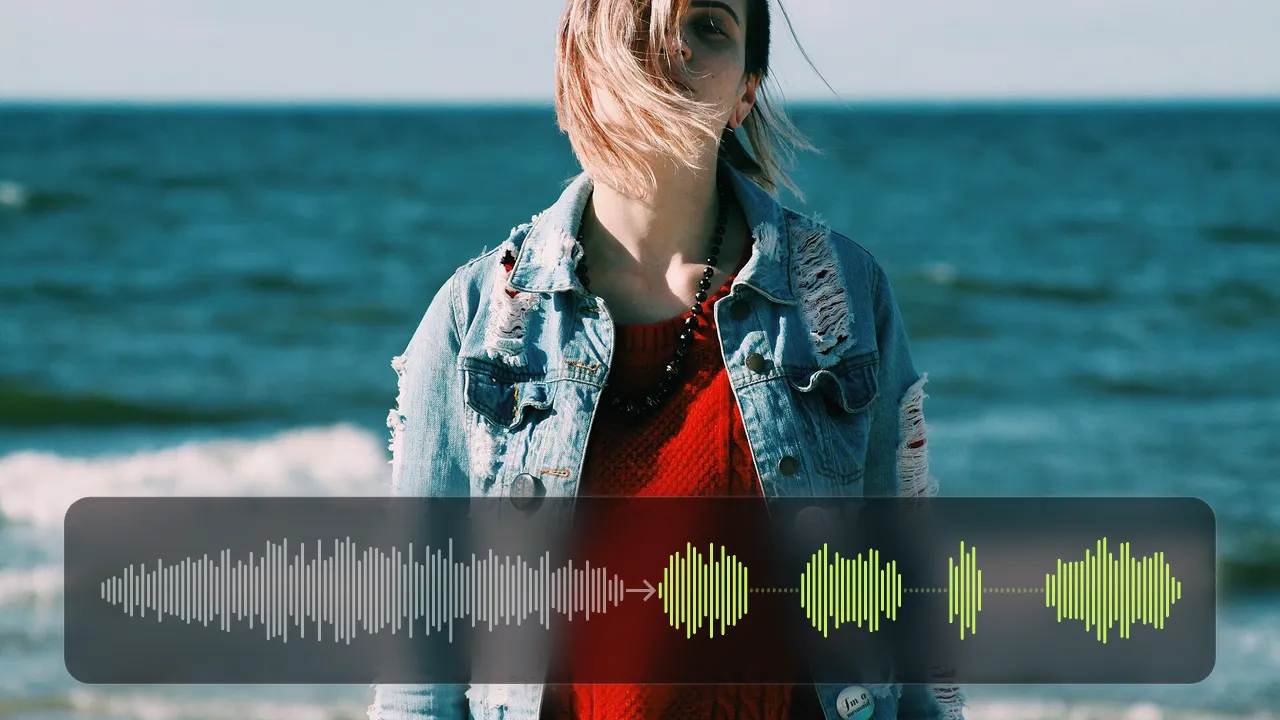
A noise reduction model made for speech keeps your voice and pushes down wind, engine drone and hum, on your own device. Loudness is balanced for social platforms in the same export, and the video is never uploaded.
Drop your video here
Choose your videoMP4, MOV, WebM or MKV. It opens right here, on your device.
- Nothing uploaded
- No sign-up
- No watermark
How it works
Drop your video
Beach and travel vlogs, ride footage, interviews outdoors: MP4, MOV, WebM or MKV.
Turn on “Wind and noise reduction”
It is already on in the motovlog and screen recording recipes. “Balance loudness” brings the level to −14 LUFS as well.
Export
The cleaned sound is written into a new MP4, with any cuts, captions and blur you added.
What you get
- Keeps the voice
- The model is trained to tell speech from noise, so words stay clear while the rumble goes down.
- Wind, engines and hum
- Steady noise like wind, engine drone, fans and electrical hum is reduced most.
- Balanced loudness
- Sound is brought to −14 LUFS, the level Instagram, TikTok and YouTube play at, so it is not too quiet or too loud.
- Open-source engine
- Noise reduction uses RNNoise, a well-known open-source model, running in your browser.
- Part of the edit
- Cut silences, add captions and hide faces in the same export.
- Nothing uploaded
- Your audio is processed on your device and never sent to a server.
When background noise gets in the way
Beach, hiking and travel vlogs
A breeze you barely feel turns into a roar on a phone microphone. Reduce it and your voice comes through again.
Rides and cycling
Wind across a helmet mic and the drone of an engine sit under every word. Push them down and keep the commentary.
Interviews and street talk
Traffic and wind outdoors make a short interview tiring to hear. Cleaner sound keeps people listening.
Rooms with a hum
A laptop fan, air conditioning or a fridge in the background of a screen recording or a talk to camera.
Why wind ruins outdoor sound, and how Shycut reduces it
Wind does not just add sound; it hits the microphone itself. Every gust pushes on the tiny membrane inside and turns into a low rumble or a burst of noise, right on top of your words. Phone and action camera microphones are small and exposed, so even a light breeze can cover a voice. A viewer will often forgive a shaky picture long before muddy sound, and a clip they cannot understand is a clip they skip.
Shycut reduces wind noise with RNNoise, an open-source model trained to separate speech from noise. It works through the sound in very short slices, estimates how much of each slice is voice, and keeps that part while lowering the rest. That is why it handles steady noise best: wind, engine drone, fans and electrical hum. Many online tools that remove background noise ask you to upload the video first; here it all runs in your browser.
No tool can rebuild words that a gust has completely drowned out, because the voice is simply not there to recover. Music and singing are not what the model is made for, so they may sound thinner; leave it off when the music matters. The reduction is applied when you export, so the preview still plays the original sound. A stronger model is on our roadmap.
Removing noise can make a recording sound quieter overall, so “Balance loudness” brings the result to −14 LUFS, the level social platforms play at. LUFS measures how loud sound feels to the ear. The cleaned audio is written into a new MP4 together with any cuts, captions and blur, and your original file stays exactly as it was, so you can always go back and try again.
Tips for cleaner outdoor sound
- A foam or furry windscreen on the microphone does more than any software. Use both for the best result.
- When you can, turn your back to the wind or stand in shelter while you speak.
- Before editing a long video, export a short recording from the same place and listen to how the cleaned sound turns out.
- Leave noise reduction off when music is the point of the video; it is tuned for speech.
- Check the export with headphones: they reveal rumble that a phone speaker hides.
Private by construction
- Runs on your device
- Your browser decodes, analyses and encodes the video. There is no server to send it to.
- Nothing is uploaded
- The counter in the header measures every byte this page sends. It stays at zero.
- Location data wiped
- Phones hide GPS positions inside videos. The exported file never carries them.
Questions
Can it remove all wind noise?
It reduces steady wind and noise well. Gusts loud enough to drown the voice can’t be fully repaired by any tool; for those, a windscreen on the mic helps most. A stronger model is on our roadmap.
Will it change my voice?
It is tuned for speech, so voices stay natural and words keep their shape. Music and singing in the recording may sound thinner; music you add yourself is mixed in afterwards and left as it is.
Can I hear it before exporting?
Noise reduction is applied when you export, so the preview plays the original sound. Try it on a short recording first to hear the result on your own footage.
Does it remove background music or other voices?
No. It is made to keep speech, so other people talking stay in. Music is not what it is trained to remove; it may only sound thinner. It reduces noise rather than separating one sound from another.
What does −14 LUFS mean?
LUFS measures how loud sound feels to the ear. −14 LUFS is the level most social platforms play at, so your video sounds right next to others, neither too quiet nor too loud.
Is my audio uploaded to clean it?
No. Noise reduction runs in your browser on your own device, and the video never leaves it. There is no sign-up and no watermark, and your original file is never changed.
Your video stays with you.
Open Shycut, drop the video in and export. Free, with no account, and your video never leaves your device.
Choose your videoMore free tools
- Blur faces in video
- Pixelate a face
- Blur a moving face
- Blur children’s faces
- Blur license plates
- Dashcam video editor
- Remove location data
- Video metadata viewer
- Check a video’s location
- Remove silences
- Add captions to video
- SRT subtitle generator
- Resize for Reels & TikTok
- Merge videos
- Merge portrait and landscape
- Add music to video
- Speed up video
- Screen recorder
- Motovlog editor
- Merge GoPro videos
- GoPro speed overlay