Transcribe audio and video to text, privately
Drop a voice memo, an interview, a lecture or a video and the speech is written down word by word by a model that runs in your browser. Read it, fix it, cut the parts you don’t need, and save the words as plain text, Markdown or an SRT file. There is no account, no minute limit, and the recording never leaves your device.
Drop your recording here
Choose your recordingAn audio file (MP3, M4A, WAV) or a video (MP4, MOV, WebM). It opens right here, on your device.
- Nothing uploaded
- No sign-up
- Free
How it works
Drop the recording
An MP3, M4A, WAV, voice memo or a video (MP4, MOV, WebM). It opens on the Text tab.
Let it write
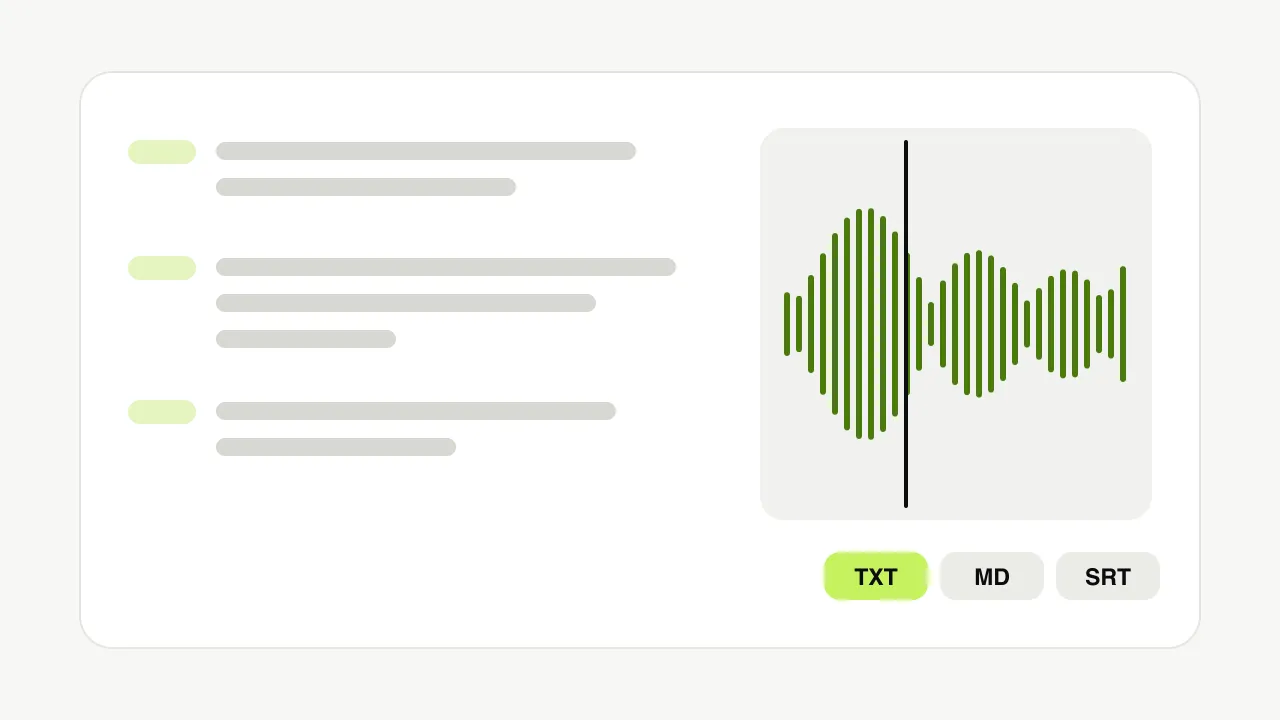
The speech is written down on your device, every word with its time. The first time, the model downloads once.
Save the words
Download plain text or Markdown, with or without times, or an SRT file for subtitles.
What you get
- Free and unlimited
- No minutes counted and no plan to buy: the work is done by your own computer or phone.
- Nothing uploaded
- The model runs in the browser. The recording and the words stay on your device.
- Every word timed
- Click any word to hear it. Paragraphs break at the pauses, as people speak.
- Edit the sound by its words
- Delete a sentence in the text and it is cut from the recording too; bring it back the same way.
- Text, Markdown or SRT
- Plain paragraphs, Markdown under your chapters, or a subtitle file, with times if you want them.
- Ten languages, or English
- Turkish, English, German, French, Spanish and more, found by itself, or written in English.
What people turn into text
Interviews and research
Get every answer in writing to quote from, without sending a source’s words to a server.
Lectures and meetings
A recording of the class or the call, turned into notes you can search and share.
Podcasts and videos
Show notes, a blog post or a page to search, from what the episode actually says.
Voice memos
An idea talked through on a walk, written down so it doesn’t get lost in your phone.
How on-device transcription works, and what to expect
Most transcription sites upload your recording and send the words back, counting the minutes against a plan. Shycut does the same job in your browser with Whisper, an open speech-recognition model: the first time, the model is downloaded (about 100 MB for the fast one, 300 MB for the accurate one) and kept on your device, and from then on everything runs there. The counter in the app header shows the bytes the page sends, and while it writes your recording down it stays at zero.
The language is found by itself, or you choose it: Turkish, English, German, French, Spanish, Italian, Portuguese, Russian, Arabic or Dutch. Speech in another language can also be written straight in English. Every word gets the time it was said, so clicking a word plays it, and paragraphs break at the pauses. Clear speech close to the microphone comes out best; music under the voice, people talking over each other and strong echo make mistakes more likely, and the text is there to fix them in place.
Because the words are tied to the sound, the text is also a way to edit. Select a sentence and delete it, and that part of the recording is cut; hesitations such as “um” are marked and can go with one switch. When you are done, download the words: plain text for an email or a document, Markdown with your chapters as headings for a blog post or show notes, or an SRT file for subtitles. Words you cut are left out, and times follow the edited recording. To put the words on the picture instead, see adding captions to a video.
Sound files open on their own: an MP3, M4A, WAV, FLAC or OGG from a phone, a recorder or a call is made into something the editor can play, without changing the sound. Long recordings work too; an hour is fine, and a computer gets through it faster than a phone. Nothing about the recording is sent anywhere at any point, so it is a safe place for interviews, patients’ voices or a client meeting. If you are recording something new, the online voice recorder writes it down the same way.
Tips for an accurate transcript
- Choose the language if you know it: detection is good, but a short or noisy start can mislead it.
- Use the accurate model for interviews and lectures; the fast one is fine for clear voice notes.
- Turn on noise reduction in the Audio tab first if the recording has hum or wind.
- Read it with the sound: click a doubtful word to hear it, then type the fix over it.
- Download Markdown with times for show notes, plain text without times for a document.
Private by construction
- Runs on your device
- Your browser opens, edits and saves the recording. There is no server to send it to.
- Nothing is uploaded
- The counter in Shycut’s header measures every byte the app sends while you work. It stays at zero.
- Your file stays as it was
- The browser only reads the file you open. What you save is a new file; the original is never changed.
Questions
Is it really free and unlimited?
Yes. There are no minutes to count and no plan, because the transcription runs on your own device. The only cost is the one-time download of the speech model, and you see its size before it starts.
Is my recording uploaded?
No. The model runs in your browser, and the recording and the text stay on your device. The counter in the app header shows that the page sends nothing while it works.
Which languages can it transcribe?
Turkish, English, German, French, Spanish, Italian, Portuguese, Russian, Arabic and Dutch, detected by themselves or chosen. Speech in any of them can also be written in English.
Can I download the transcript as a text file?
Yes: as plain text or Markdown, with a time at each paragraph if you like, or as an SRT subtitle file. Words you cut from the recording are left out.
Does it work on a phone?
Yes, in a current phone browser, though a computer is faster for long recordings. On mobile data, the model download waits until you agree to it.
Can it transcribe a video, not just audio?
Yes. Drop an MP4, MOV or WebM and its speech is written down the same way; you can also burn the words into the picture as captions.
Your recording stays with you.
Open Shycut, drop the recording in and export. Free, with no account, and nothing you open leaves your device.
Choose your recordingMore free tools
- Blur faces in video
- Pixelate a face
- Blur a moving face
- Blur children’s faces
- Blur license plates
- Dashcam video editor
- Remove location data
- Video metadata viewer
- Check a video’s location
- Remove silences
- Video voice changer
- Bleep out words in a video
- Add captions to video
- SRT subtitle generator
- Resize for Reels & TikTok
- Crop a video
- Remove text from video
- Zoom in on a video
- Merge videos
- Merge portrait and landscape
- Add music to video
- Add text above a video
- Speed up video
- Screen recorder
- Podcast recorder
- Online voice recorder
- Mic test
- Audio editor
- Merge audio files
- Remove background noise
- Add a voice-over
- Audiogram maker
- Motovlog editor
- Merge GoPro videos
- GoPro speed overlay
- Remove wind noise